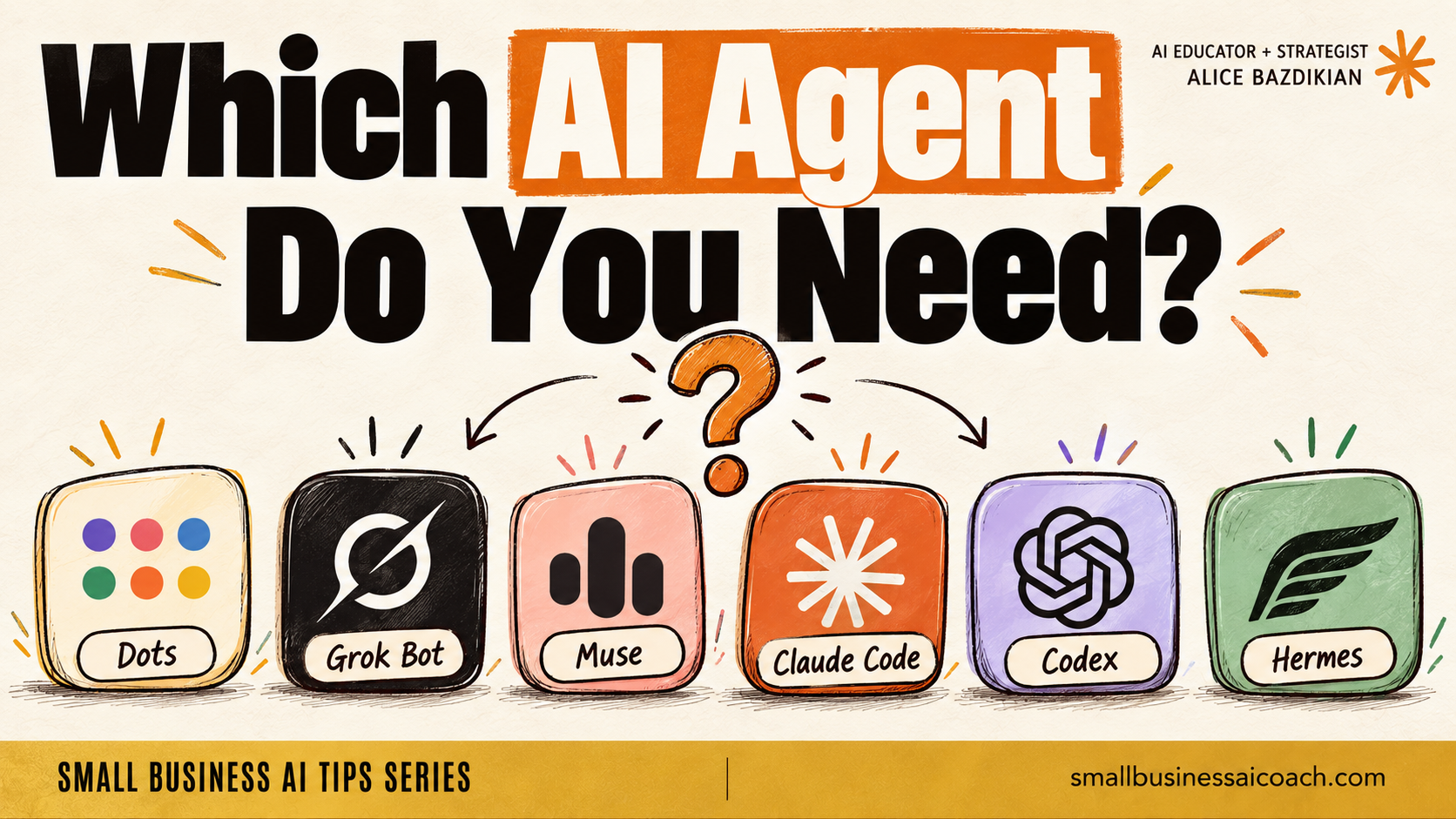
ChatGPT just dropped Dots. Grok Bot is out. Meta has Muse. And you know what everyone's asking me? "Which one do I actually need?"
Here's the bit nobody's explaining properly. The brain isn't the new part. The hands are.
These new assistants get their own computer in the cloud. Their own browser. A schedule. Permission to go and do things while your laptop is shut.
That's why they feel SO different to typing into a chat box. It's also where the bill sneaks up on you.
I've been testing them all. I've even got a Grok Bot whose whole job is managing my other bots and reporting back to me. A middle manager. For my bots. lol.
So I made the plain-English version. What each one is, where its computer actually lives, what you really pay, and where Claude Code, Codex and Hermes fit in. The price breakdown is near the end, and it's the bit I'd stick around for.
Why this matters for you
A tool with permission to read your emails is very different from a tool with permission to send them. And the cheaper-looking option can cost you more once you add up the model and the hosting.
How tomorrow gets better
You start with the AI agent that comes with a plan you already pay for, you give that agent constraints, and the work keeps going while your laptop is shut.
This is for you if: you keep hearing "AI agents" everywhere, you've got no idea which one is worth paying for, and you'd like it explained without a computer science degree.
This is NOT for you if: you want a click-by-click install for each one.
Okay, let's go!
What Is an AI Agent? Same Brain, Different Toolbelt
Every AI assistant has four parts.
| Part | What It Is |
|---|---|
| The brain | The AI model. The brain works out the next step. |
| The harness | The toolbelt and the rules: your tools (Gmail, Notion, Slack), the assistant's memory, and what the assistant is allowed to do. |
| The computer | Where the work actually runs. |
| The interface | Where you talk to the assistant. An app, a chat, or a terminal. |
Claude Code is a harness. So is Codex. So is Grok Bot. So is Dots.
Now picture two assistants using the exact same AI model. One reads a document and gives you an answer. The other opens a website, saves a spreadsheet and comes back tomorrow to check for changes.
Nobody touched the brain. They changed what's wrapped around it. And giving the assistant memory doesn't mean the AI is being retrained. The assistant is just keeping notes it can check later.
Why AI Agents Feel So Proactive: The Approval Gate
This is the part I most want you to get.
Claude Code and Codex are permission-based. Ask them to email someone and they'll draft the email. They won't fire that email off unless you've specifically said that's allowed. Grok Bot, Meta Muse and now Dots have much looser gates. Fewer stops, so it FEELS like they're doing more for you.
A tool with permission to read your emails is very different from a tool with permission to send them.
So give them constraints. When I tested Dots, I got Dots to find three workshop venues in Perth, put them in a table with sources, and draft an enquiry for me to review. No contacting venues. No booking anything.
Then add a schedule. Get the agent to check those sources again tomorrow and tell you what changed. Same trick works for watching flight prices. (Dots can also hand the coding part of a job over to Codex when it needs to.)
Where an AI Agent's Computer Actually Lives
"The cloud" just means computers running somewhere else, reached over the internet.
With Dots, Grok Bot and Muse, the company gives your agent its own workspace on their servers. So I can close my laptop and the work keeps going.
Two catches.
- If the job needs a file or app on your laptop, your laptop still needs to be on.
- The agent's browser has its own logins. Being signed into Gmail on your laptop doesn't sign the agent in. You connect the service and finish the sign-in inside the agent's browser, then the agent can do the Gmail bits for you.
One of Muse's biggest draw cards, by the way: Meta owns Instagram, Facebook and WhatsApp, so those three are really easy to connect.
And one thing I don't love about Dots: Dots is one big long thread. In Grok Bot I've got a team of bots chatting to each other, with that middle manager reporting back to me.
What AI Agents Cost: The Cheaper-Looking Option Can Cost You More
Here's what each one costs. US dollars, advertised prices I checked on October 2, 2026 (they change fast):
| AI Agent | What You Pay |
|---|---|
| ChatGPT Dots | Needs ChatGPT Pro, from US$100/month (also on the US$200 and US$500 Pro plans) |
| Grok Bot | Included with Cursor Pro (US$20/month) or a SuperGrok plan (from US$30/month) |
| Meta Muse | Free plan, then US$20 or US$100/month. Muse is listed for the US and Canada first, so check it's available in Australia before you get attached |
| Claude Code | From the US$20/month Claude plan, Max from US$100/month (I'm on the US$200 one) |
| Codex | Included with ChatGPT Plus (US$20/month), with limited access on the Free and Go plans too |
Every one of those has usage limits.
Then there's Hermes. Hermes is free, open-source software from Nous Research, and you choose your own parts: the model, the tools, where it runs. I use my ChatGPT subscription with Hermes.
You can't use your Claude Code subscription though. Want Claude in Hermes? You'd be paying for API usage on top, and API billing is a LOT higher. Our subscriptions are heavily subsidised right now: US$25 of Claude API credit gets you a lot less than a US$20 Claude plan does.
Want Hermes running 24/7? Add hosting. Hostinger's VPS starts at US$6.49/month on an intro deal (it renews higher).
So before you pick Hermes because it's free, add up the model and the hosting.
Which AI Agent Should You Start With?
Start with whichever comes with a plan you already pay for.
| What You Want | Start With |
|---|---|
| You want it easy, no fiddling with connections, just running for you | The managed ones first: Dots or Grok Bot |
| You're already on ChatGPT Pro | Dots. You don't need Grok Bot |
| You want to choose the parts yourself and manage the setup | Hermes |
| You're working inside a folder of business files, or building websites and software | Claude Code or Codex |
(Dots is a bit buggy right now, but it's VERY new and they'll keep improving it.)
Recap
- Every AI assistant has a brain, a harness, a computer and an interface. Change the harness and the experience changes massively.
- Looser approval gates are why Dots, Grok Bot and Muse feel proactive. Give them constraints.
- Their computer lives in the cloud, so they keep working with your laptop shut. Their browser needs its own logins.
- Every plan has usage limits, and free software (hi, Hermes) can still mean a bigger bill once you add the model and the hosting.
- Start with the one that comes with a plan you already pay for.
If you are curious what Agents are right for you and your team, Book an AI Operations Diagnostic and let's diagnose the right Agent Setup for you.